Your Blockchain Services.
On Every Device.
Order token creation, NFT collections, ICO launches and exchange listings — natively on Android, iOS, Windows, macOS and as a browser extension.

Choose your platform
Four ways to access InfinityBlockchain — pick the device you live on.

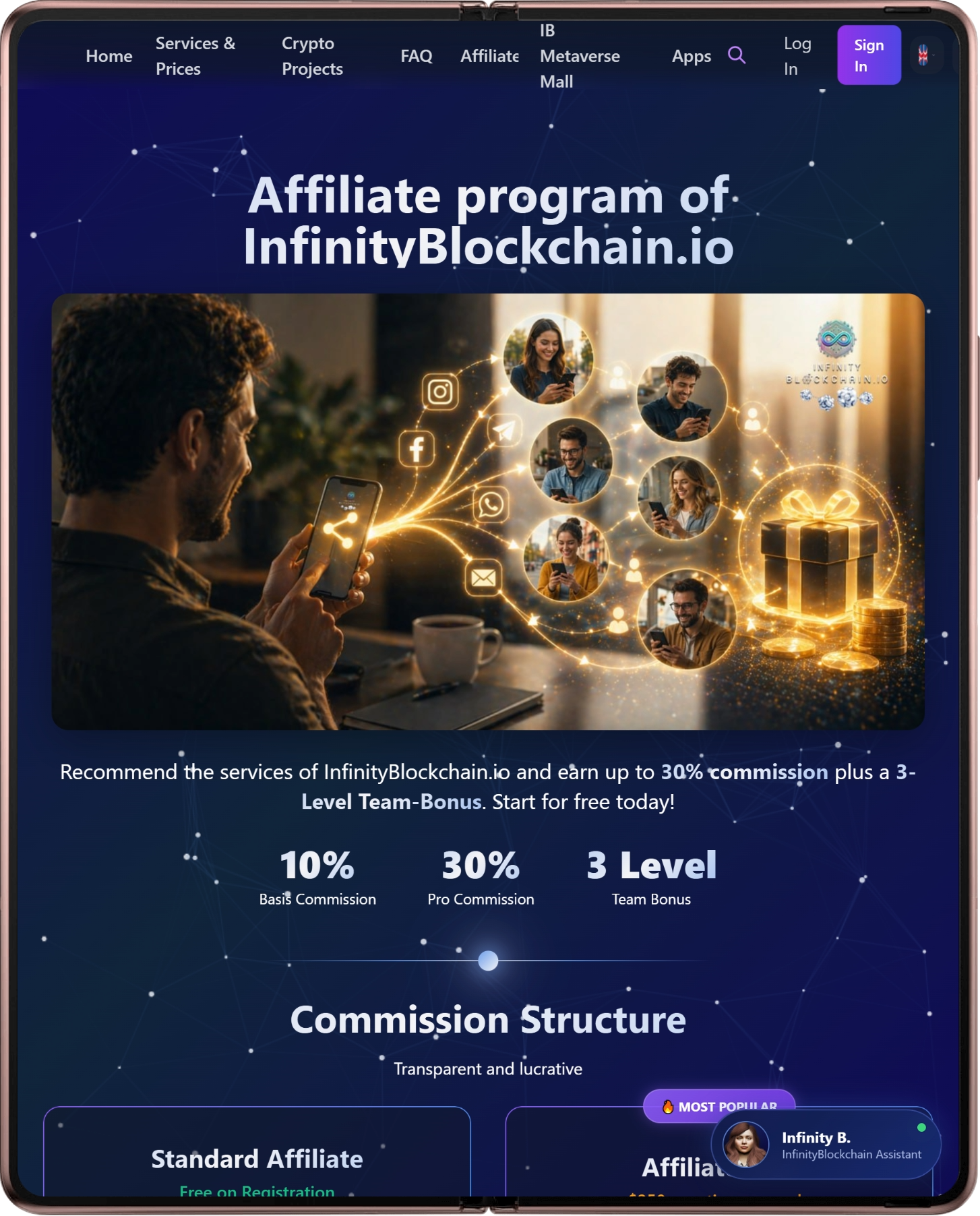
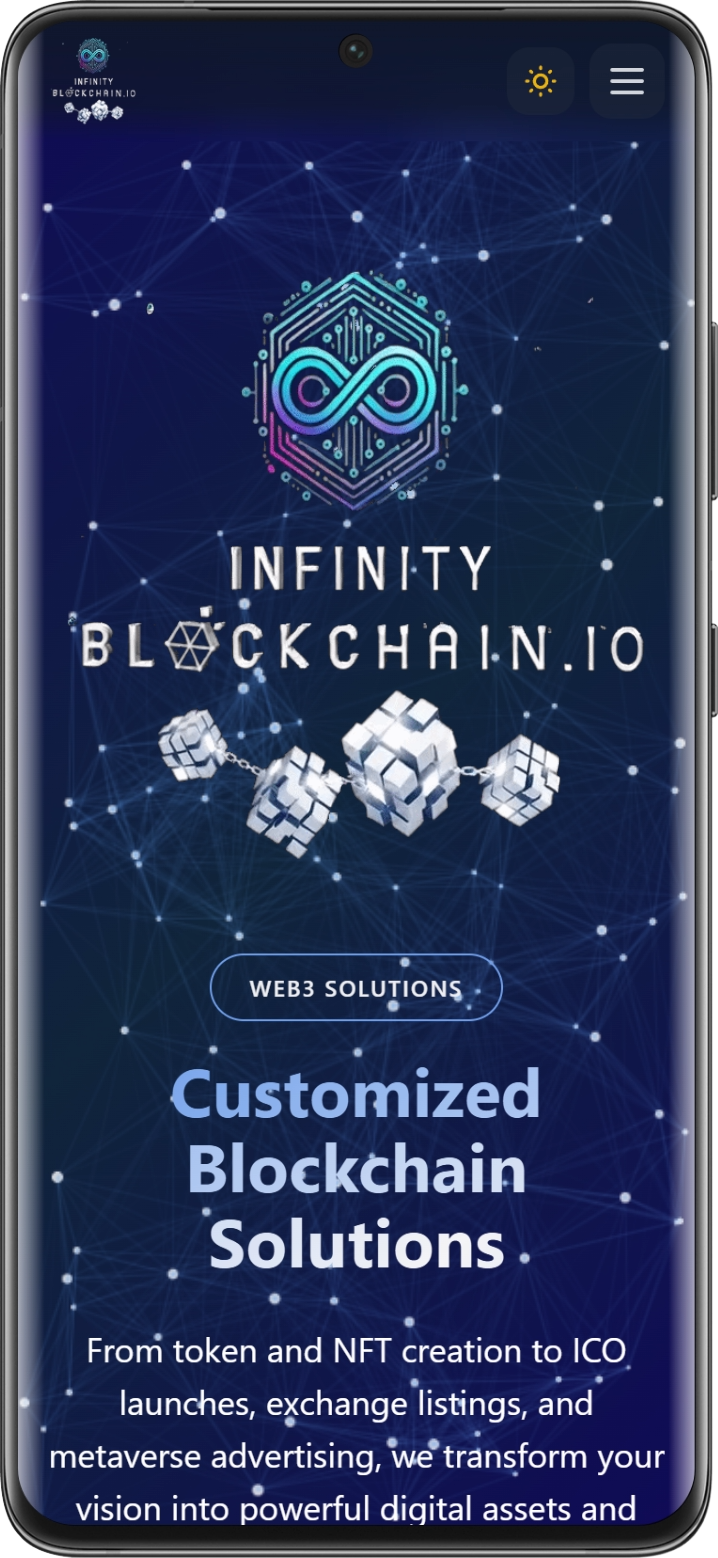
InfinityBlockchain for Android
Native Android app available on Google Play. Order services, track projects, chat with our AI assistant — all from your pocket.
- Push-notifications on every project update
- Voice AI assistant with 3D avatar
- Works on Android 5.0+ — Pixel, Samsung, Xiaomi, OnePlus, Foldables
- 12.4 MB — installs in seconds
InfinityBlockchain on iPhone / iPad
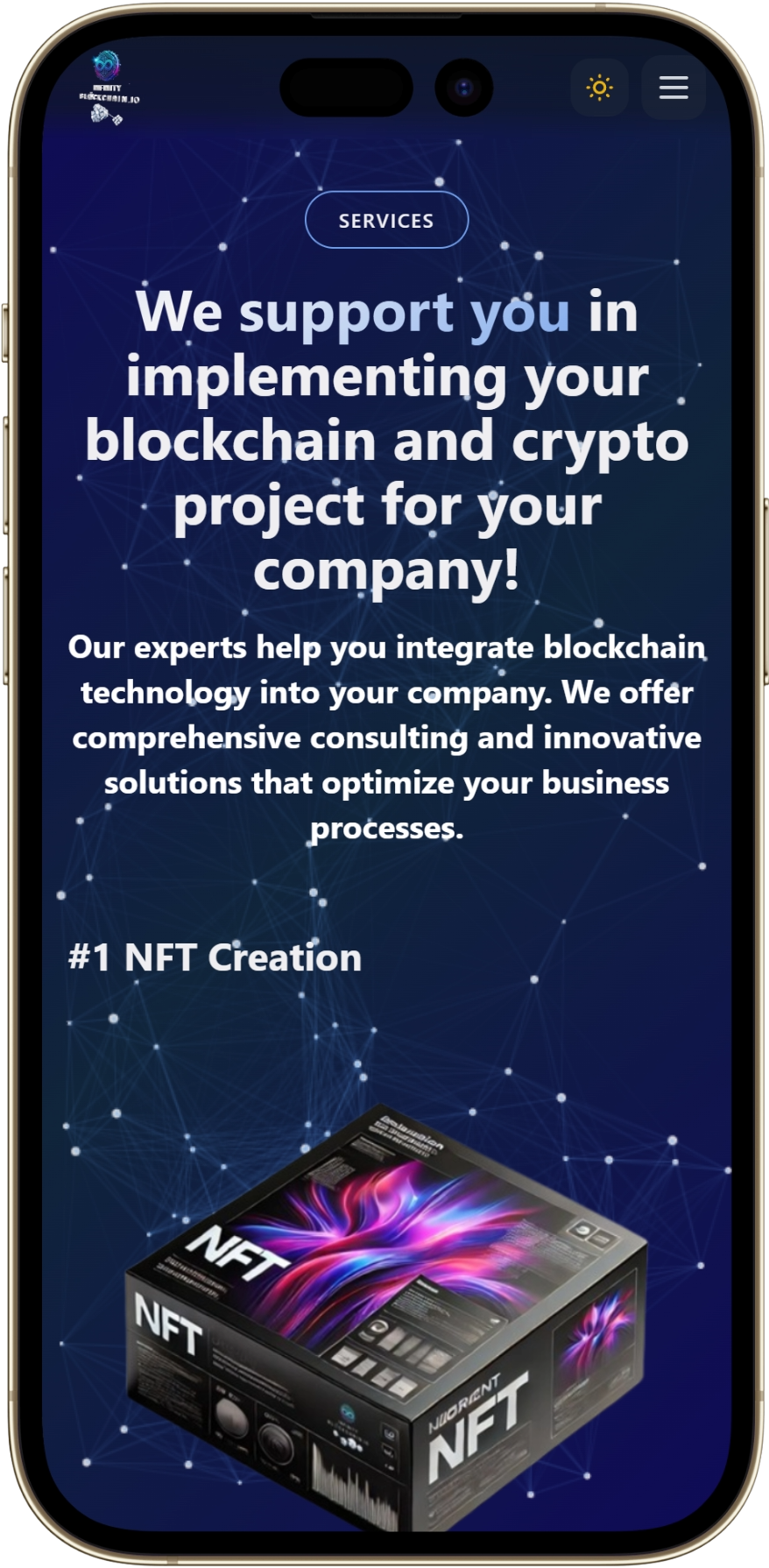
Install InfinityBlockchain directly to your iPhone or iPad — no App Store, no Apple ID required. Takes 10 seconds via Safari.
- Full-screen experience — looks & feels like a native app
- Auto-updates — always the latest version
- Works offline for cached pages, whitepapers, invoices

Install on iPhone / iPad
10 seconds — no App Store, no Apple ID
- Open infinityblockchain.io in Safari Only Safari supports this — Chrome on iOS doesn’t work for this step
- Tap the Share icon Square with arrow pointing up — bottom of the screen on iPhone, top-right on iPad
- Scroll down and tap “Add to Home Screen”
- Tap “Add” in the top-right
Install on Windows, macOS & Linux
Run InfinityBlockchain as a native desktop app on any OS — no installer, no warnings, no admin rights. Takes 10 seconds via Chrome or Edge.
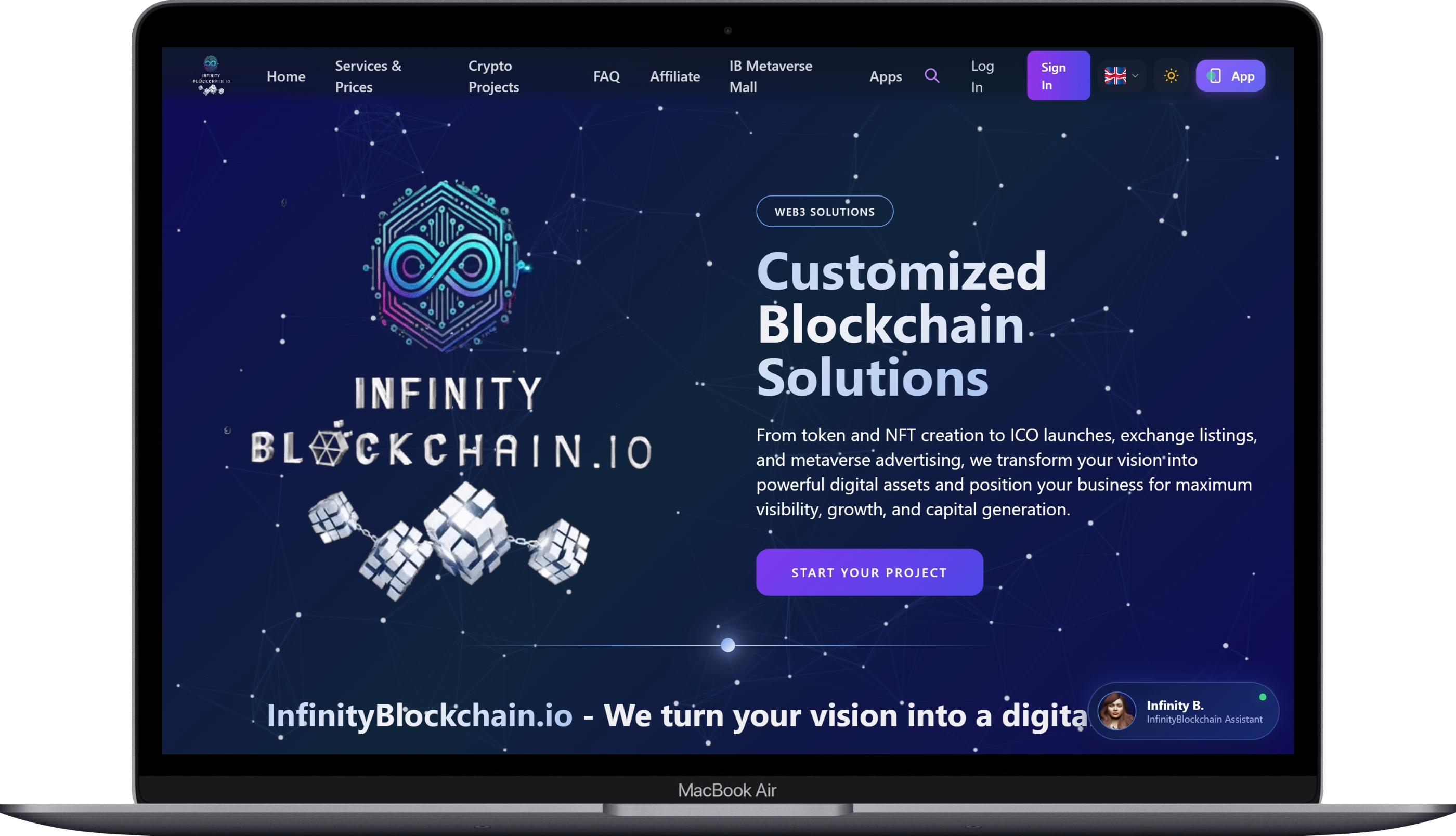

Install on Windows / macOS / Linux
10 seconds — no installer, no security warnings
- Open infinityblockchain.io in Chrome or Edge
- On the right of the address bar, click the Install icon Small monitor with arrow pointing down
- Confirm “Install InfinityBlockchain”
- Done — you’ll find the InfinityBlockchain icon in your taskbar / dock / launcher
▸ Prefer a standalone native .exe / .dmg? (Coming soon)
Multi-Project Workspace
Manage all your blockchain projects in a tabbed desktop interface.
PDF Invoices & Reports
Export project reports, invoices and tax statements with one click.
Local Encryption
Sensitive data encrypted on your device — never stored in plaintext.
Verified & compliant
Built on a foundation of regulated transparency.
Entity 2025-001729858
Q139500526
GDPR-compliant
Reviewed & approved
Ready when you are
Skip the bookmark — install the app.
One-tap access to your blockchain project workflow.
🔔 Want to know when native iOS, Windows or macOS apps launch?
Subscribe to our newsletter via the footer below — we’ll notify you when each platform goes live.